Attribution Models
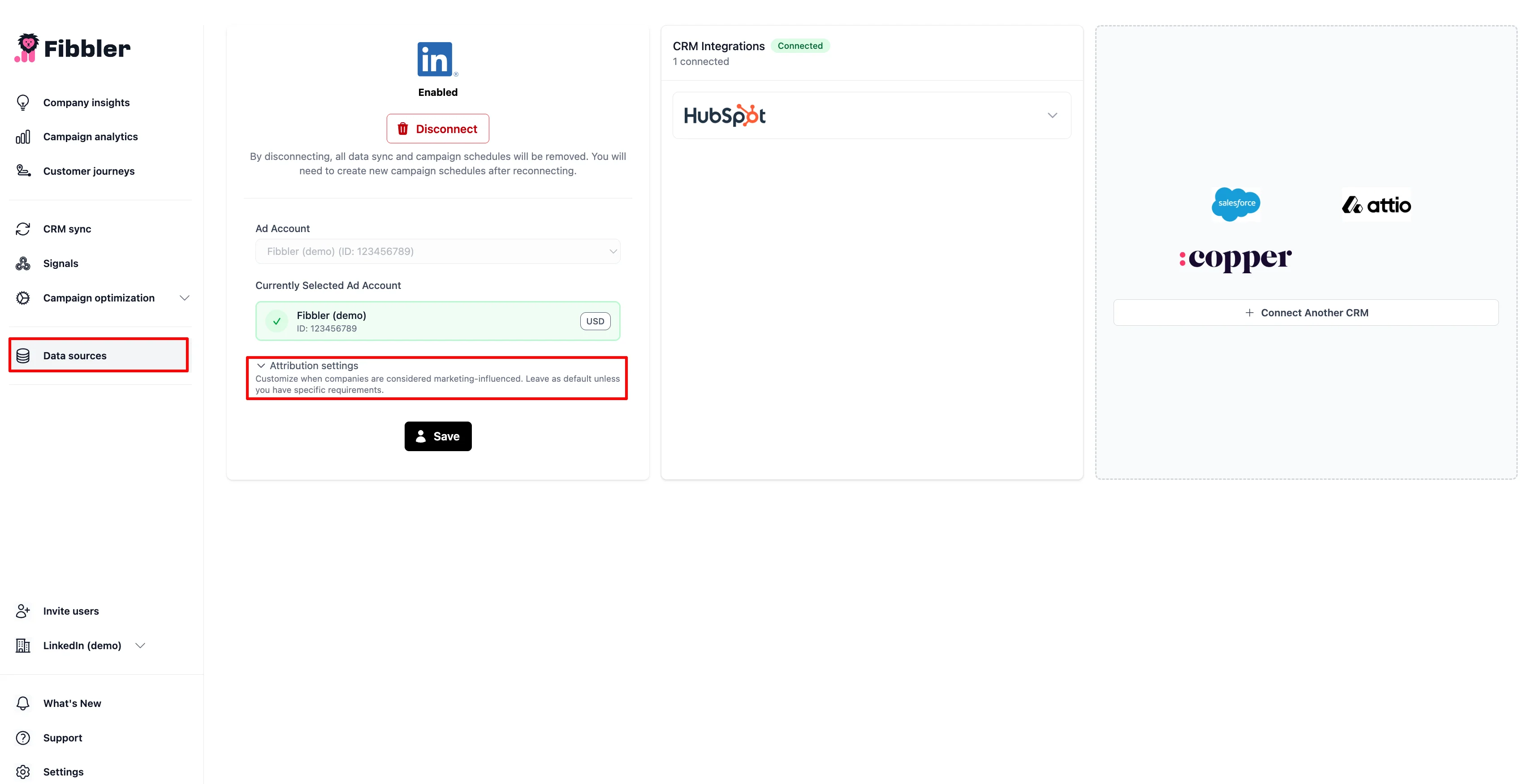
Your attribution model defines which metric should count as influence when matched to your CRM deals. You can customize this under Attribution Settings in Fibbler.
How attribution works
Fibbler stores your CRM deals and company records, then matches them to your LinkedIn Ads, Google Ads and Meta Ads activity. For each deal, Fibbler looks at a 12-month window before a reference date and sums up all touchpoints (impressions, clicks, engagements) for the company associated with that deal. If the touchpoints meet your influence threshold, the deal is marked as influenced.
Influenced pipeline
For influenced pipeline, Fibbler pulls deals based on their creation date: every deal created in the period that hasn't closed-won, which means open andclosed-lost deals (closed-won deals count toward revenue instead). It then looks back 12 months from each deal's creation date for any ad touchpoints tied to the company. If the touchpoints meet your threshold, the deal counts as influenced pipeline.
Influenced revenue
For influenced revenue, Fibbler pulls closed-won deals based on their close date. It then looks back 12 months from that close date for touchpoints. This tells you which won deals had marketing exposure before they closed.
Defining won and lost deals
On the Data Sources page, under your connected CRM, you map which of your CRM stages count as Closed Won and which count as Closed Lost. With HubSpot and Salesforce you can map multiple stagesto each of Closed Won and Closed Lost, so pipelines that split a single outcome across several stages are supported. With Attio you pick one stage for won and one for lost. Pipedrive has no stage mapping at all, because Fibbler reads won and lost from each deal's status.
In HubSpot, if you select more than one pipeline, you define deal types and Closed Won and Closed Lost stages per pipeline. See Why aren't my deals showing? for the full configuration checklist.
Company matching
Fibbler connects deals to ad activity by matching the company on the deal to companies in your ad data. Matching is done using two identifiers:
- Website domain from the company record in your CRM
- LinkedIn company page URL from the company record in your CRM
Pipedrive deals are also matched on the organization's name. If a company matches on both identifiers, the touchpoints from both are combined. The more complete your CRM company data is (domains and LinkedIn URLs), the more deals Fibbler can attribute.
Influence thresholds
Each model sets conditions using different data points and thresholds. A company is marked as "marketing-influenced" when it meets any of the conditions in the selected model (at least one condition must be true).
After you change the criteria
Changing a threshold, a pipeline, a deal type or your won and lost stages re-evaluates every deal you have, not only new ones. Fibbler starts that as soon as you save, and on the Data Sources page saving is disabled while it runs so two changes cannot overlap. It usually takes a few minutes, and the page re-enables itself when it is done.
You then get an email that says how many deals came out influenced, out of how many were evaluated, and whether that is up, down or unchanged from the count before the change. It lists the rules it applied and whether a deal has to meet all of them or just one.
Awareness Model (Default)
Shows how brand visibility contributes to pipeline. Repeated exposure creates memory recall, and most of your audience does not actually engage with ads. This model gives credit for simply being seen.
- Paid impressions ≥ 7 OR
- Organic impressions ≥ 3
Engagement Model
Focuses on resonance. Engagements show that people are interacting with your content (likes, comments, shares, etc.), and those signals are tied directly to influenced pipeline and revenue.
- Paid engagements ≥ 3 OR
- Organic engagements ≥ 3
Intent Model
A stricter view that only credits high-intent actions. Clicks usually mean someone is actively exploring your product or offering.
- Paid clicks ≥ 3 OR
- Organic engagements ≥ 3
Custom
You can build your own model by choosing which data points to include, setting your own thresholds, and adding multiple conditions. This lets you match the attribution logic to how your team thinks about marketing influence.
The data points you can build conditions from are Paid Impressions, Paid Engagements, Paid Video Views, Paid Clicks, Organic Impressions and Organic Engagements. Paid Video Views is useful when video is how you reach people early: a company that watched your video ads several times has shown more interest than one that was only served impressions, without you having to wait for a click. See what counts as a video view.
Google Ads and Meta Ads attribution
If you have the Google Ads or Meta Adsadd-on connected, a deal is also marked as influenced if the company had any website visits from those ads in the 12 months before the deal's reference date. This applies regardless of your LinkedIn influence threshold settings.