Agency Plan
The Fibbler Agency plan is designed for agencies managing multiple client workspaces. It gives you centralized LinkedIn Ads attribution and CRM data syncing across all your clients from one place.
Pricing
- $159/month includes 2 client workspaces ($130/month on annual billing)
- +$69/month per additional client workspace ($60/month on annual billing)
What's included
- Unlimited users
- Unlimited campaign syncing
- Full access to all CRM integrations (HubSpot, Salesforce, Attio, Pipedrive)
- All platform features including Signals, CRM Data Sync, campaign optimization, and attribution
How it works
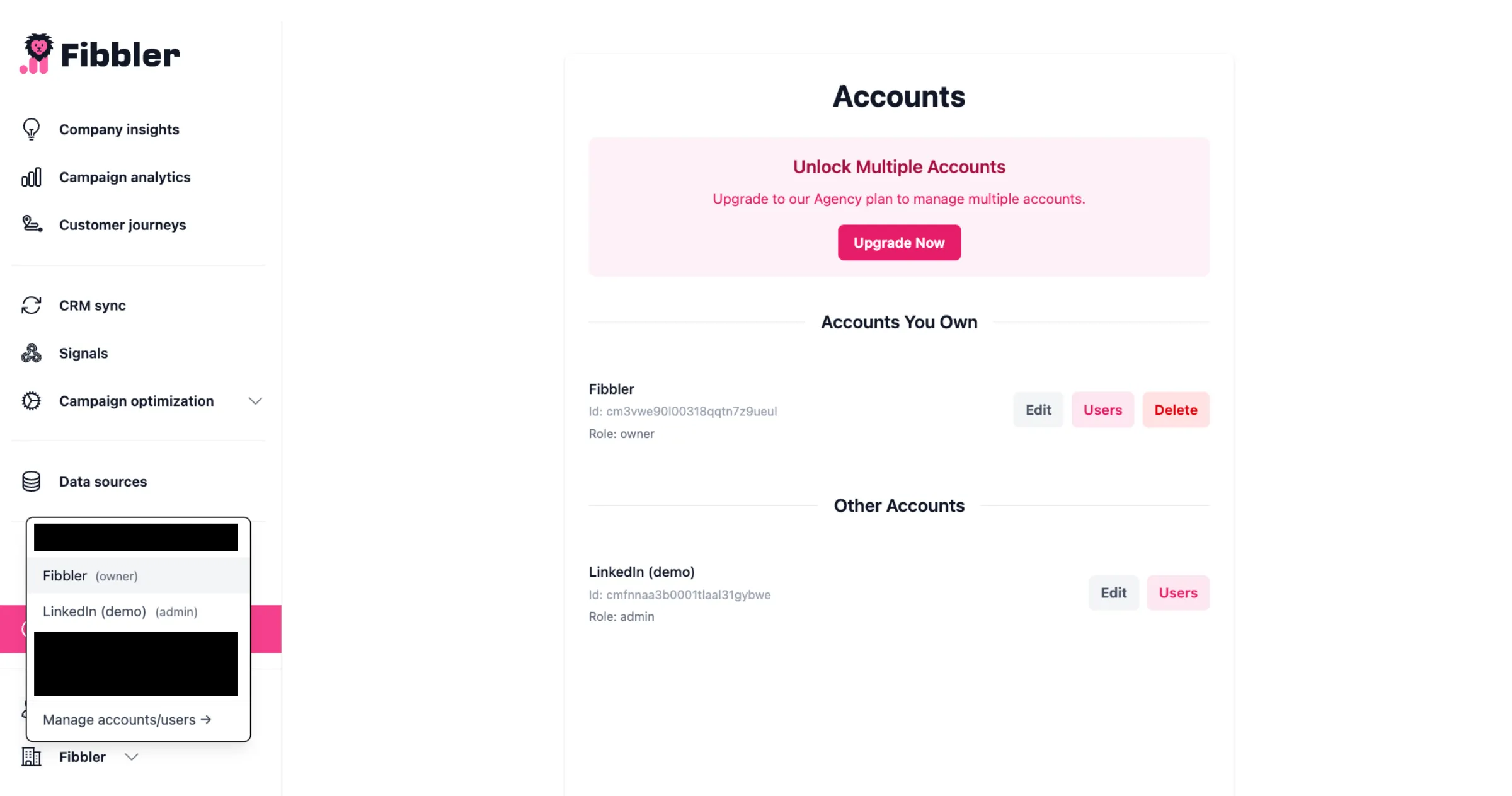
With the Agency plan, you manage multiple client workspaces from a single Fibbler workspace. Each client workspace connects to its own LinkedIn Ads account and CRM, giving you a complete view of each client's attribution data.
This lets you:
- Track LinkedIn Ad influence across all your clients
- Identify which companies are engaging with each client's campaigns
- Convert engagement data into actionable intent signals
- Demonstrate ROI to your clients
- Scale ABM strategies across multiple workspaces
Adding a workspace
You add workspaces from the Workspaces page in Fibbler, not from your billing settings. Create the workspace and the seat is added to your subscription for you.
- Go to app.fibbler.co/workspaces.
- Create the new workspace and give it a name.
- If it needs a new seat, Fibbler shows you what it costs for the rest of this billing period before you confirm.
Your plan comes with 2 workspaces. While you still have one of those free, a new workspace costs nothing and your bill does not change. Once you are using all the workspaces you pay for, the next one adds $69/month, or $60/month on annual billing. That extra seat is charged straight away, for the part of the period that is left, and then the full price is on every invoice after that.
Removing a workspace
Same page. When you delete a workspace and you have more than 2 seats, Fibbler asks what to do with your plan: "Reduce my plan by 1 workspace" (picked by default) or "Keep my plan as is", if you want to create another workspace later without paying again. If it's the last workspace you own, deleting it cancels your subscription.
There is no refund for the rest of the period you have already paid for. The lower amount starts on your next invoice. Two things also keep a seat where it is:
- The Agency plan does not go below 2 workspaces, so deleting down to one does not make it cheaper.
- Your seats never drop below the number of workspaces you still have. If they did, Fibbler would switch one of the workspaces you kept off.
When either of those applies, the workspace is deleted and the seat stays, so your price is the same as before. Ask us and we will sort the billing out with you.
Affiliate program
If you prefer to have the cost on the client instead, you can use our Affiliate Program. You'll earn a 20% kickback for the first 12 months of any paying client you refer.